Virtual accounts and bank transfers, explained
Virtual accounts connect bank transfers and stablecoins. Add funds or cash out through the routes available to your account, and see how Dbanq shows your balances along the way.
What a virtual account does
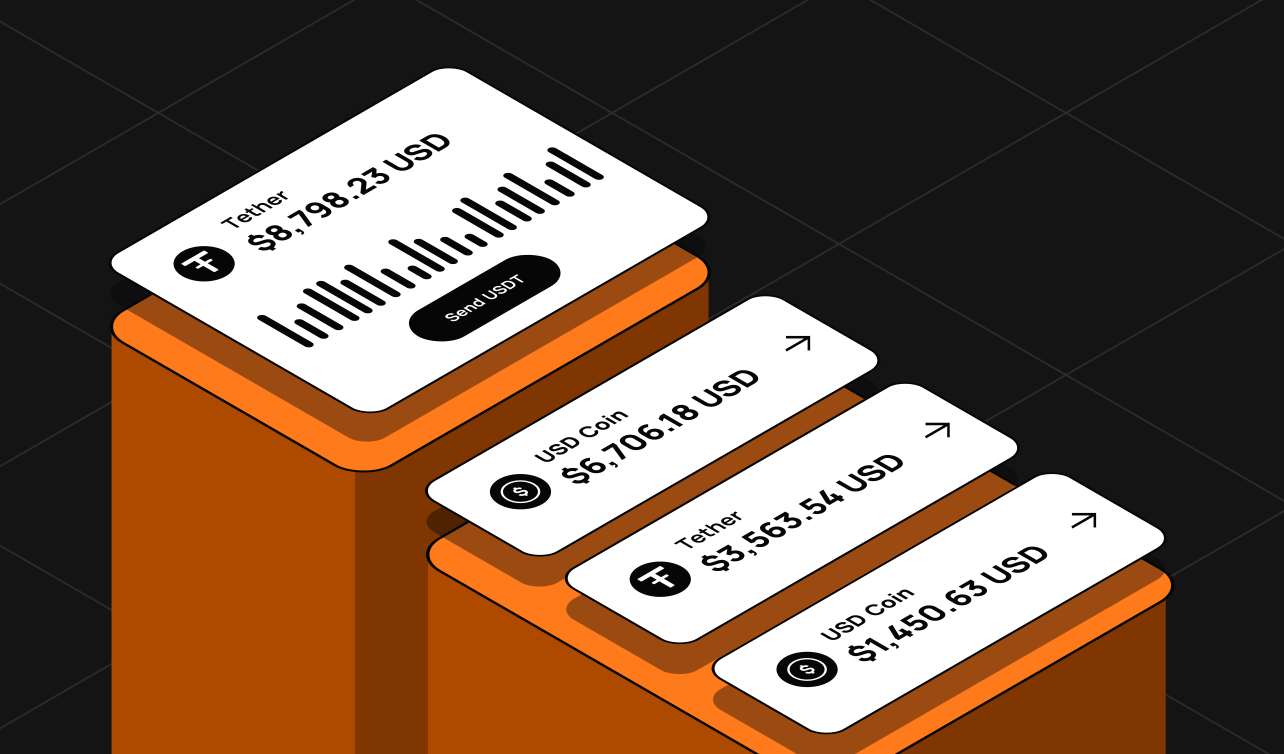
A virtual account gives you bank-transfer routes for funding and payouts. You can add funds from a bank account, move into stablecoins, or cash out to a bank, depending on the routes available to your account.
Check the details in the app
- The currencies eligible for your account.
- The transfer details for the route you choose.
- Rates and conversion details.
- Fees, limits and timing.
Currency support does not guarantee local account details or access in every country. Follow the instructions shown in the app before you send a transfer.
Adding funds or cashing out
- Choose an available funding or withdrawal route.
- Check the amount, route, fees and destination.
- Approve only when the details match what you expect.
How your balances work
Dbanq is a financial technology app, not a bank. A USD valuation of your stablecoins is not a separate fiat balance. Wallet funds, card balances, pending payments and investments remain distinct, so check the balance available for the action you want to take.
A payout that is submitted is not yet completed. Watch the status until it settles.
Wrapping up
Routes, fees and eligibility vary by location and provider. Read more about virtual accounts, or find answers in our FAQs.
Get new guides by email.
Leave your email to hear when we publish a new Dbanq guide or explainer. No spam, and you can unsubscribe at any time.