Get started.
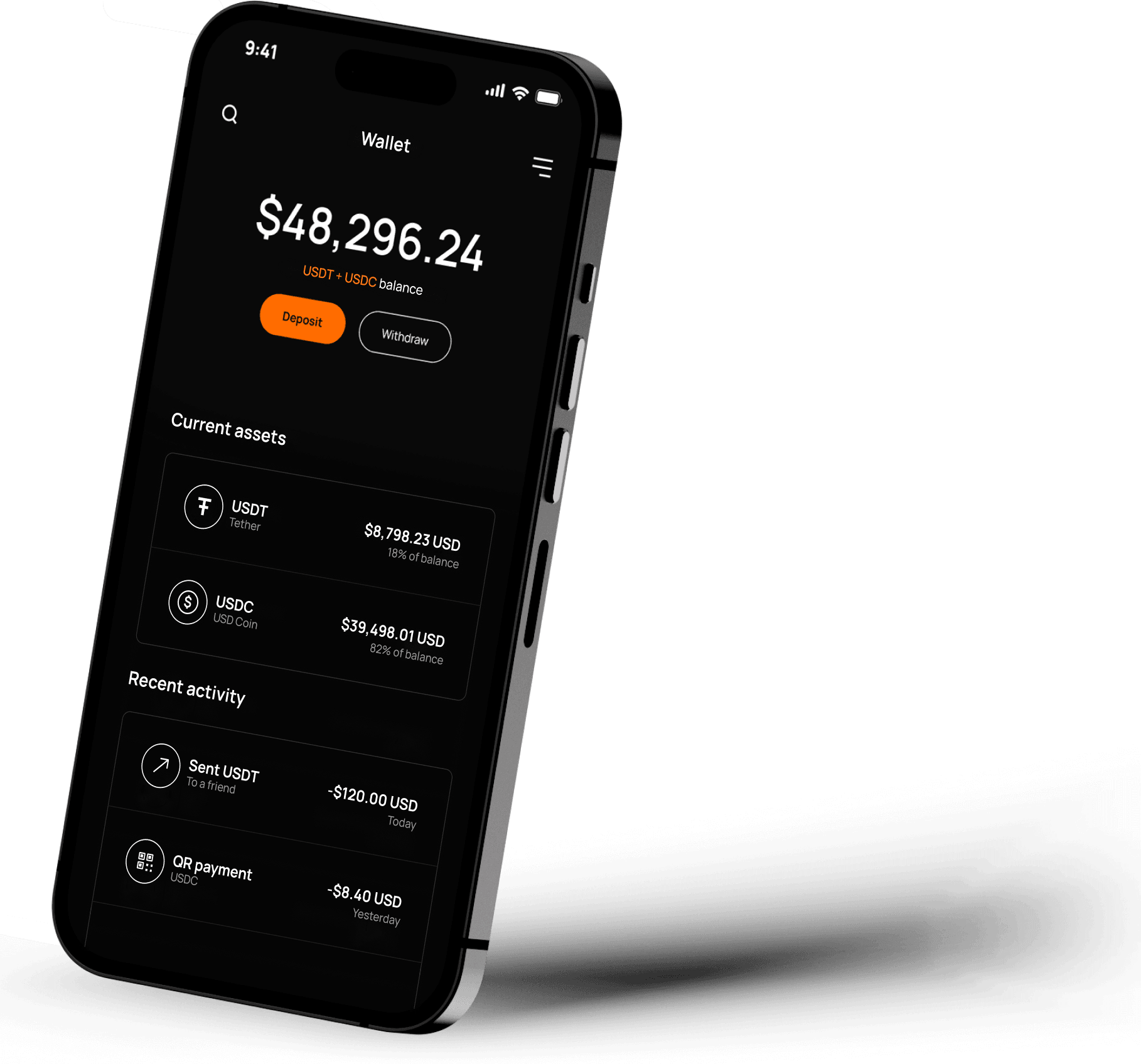
Dbanq runs inside Telegram as a Mini App, so there is no separate sign-up form. Open Dbanq in Telegram and start from there.
- 01Bring money in
Open Dbanq in Telegram. Choose an available funding route and follow the instructions for your account. Any fee is shown before you confirm.
- 02Make your move
Use a card, scan a supported merchant QR or choose a withdrawal route. Review the details before you approve. Availability depends on your location.
- 03Go further
Choose an earning strategy or destination data. Review the costs, conditions and investment risks before you decide. Returns are never guaranteed.
Dbanq is a financial technology app, not a bank. Availability depends on location, provider and eligibility. Fees, limits and coverage depend on your account. Read our Terms and Privacy Policy.