One wallet for many coins and networks
The Dbanq wallet holds many coins across EVM and SVM networks, and only you hold the keys. Here is how coins and networks fit together, and what to check before you move funds.
Coins and networks
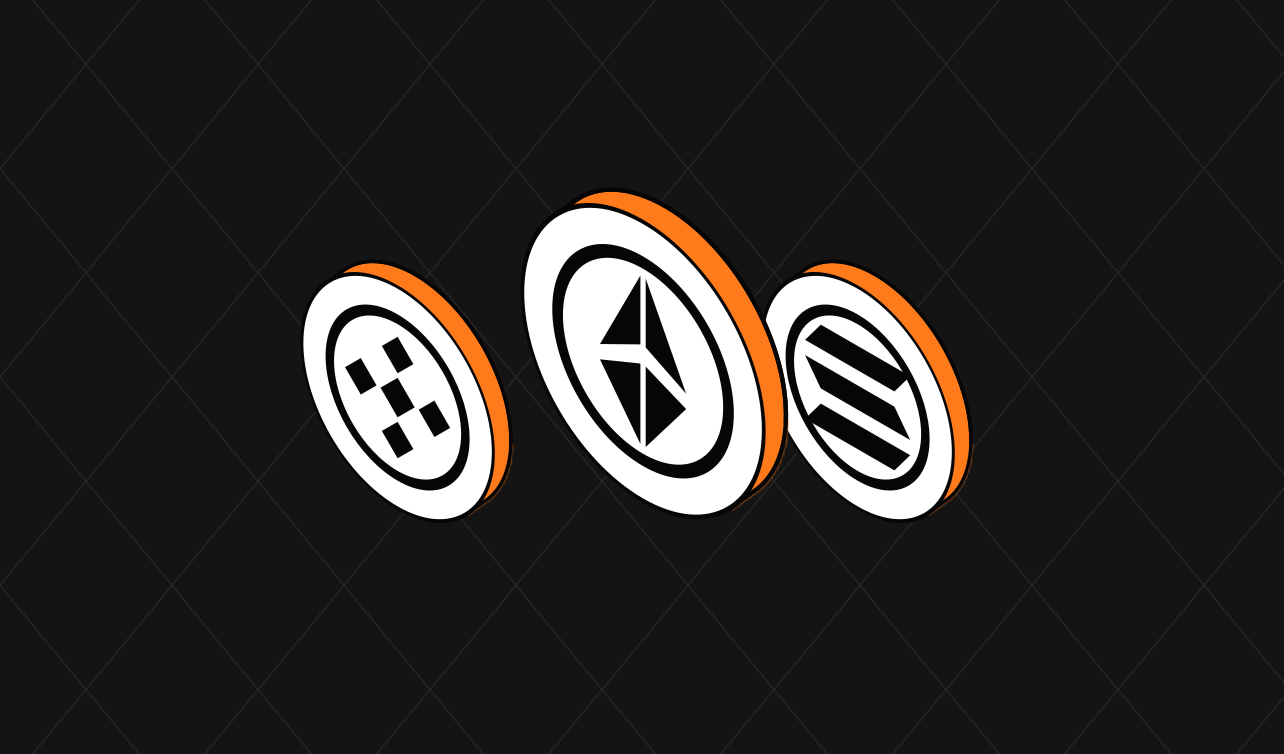
A coin is the asset you hold, such as USDC or ETH. A network is the blockchain it lives on, such as Ethereum, Base or Solana. The same coin can exist on several networks, so your wallet always shows both: what you hold, and where it is held.
EVM networks, such as Ethereum, Base, Arbitrum and BNB Chain, share one address format. Solana is an SVM network with its own address format. Dbanq gives you a wallet on each, all in one place.
Your keys, your approval
The Dbanq wallet is non-custodial. Dbanq does not hold your private keys and cannot move your coins without your approval. You sign in with Telegram and approve each transaction yourself, so keep your Telegram account and devices secure.
Before you move funds
- Check the coin and the network, not just the coin’s name.
- Use the exact address shown for that network.
- Review the amount and any network charges.
- Approve only when every detail matches.
Same coin, different network: always check both before you send.
Holdings and card spending power
Not every coin or network can be used by card. Dbanq shows what you hold apart from what you can spend by card, so you always know what is available for each action. To use another coin, you can swap it first.
Wrapping up
See the supported coins and networks, read about Swaps, or find answers in our FAQs.
Get new blogs by email.
Hear when we publish a new Dbanq blog. No spam, and you can unsubscribe at any time.